


Blog Details
- Home
- Blog Details
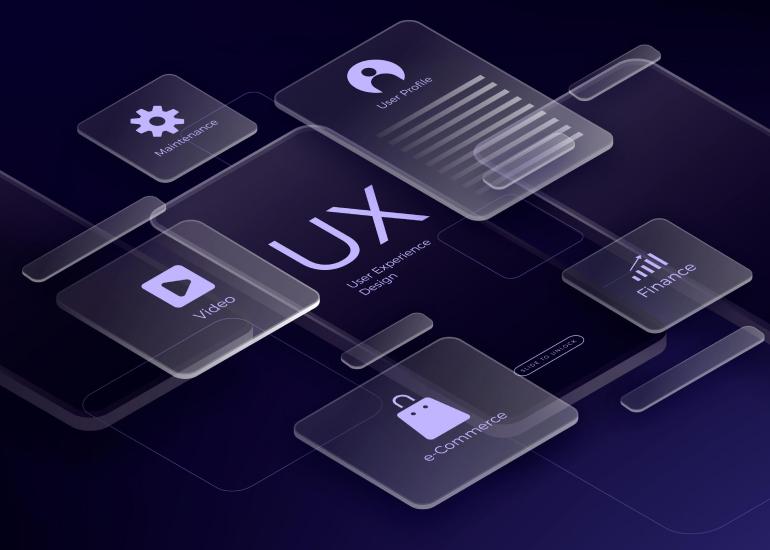
The Ultimate Guide to UI/UX Design with PSD Templates
Creating a visually appealing and user-friendly website or application is crucial in today’s digital world. UI (User Interface) and UX (User Experience) design play a significant role in ensuring smooth navigation, engaging layouts, and an overall seamless experience for users. While designing from scratch can be time-consuming, PSD templates (Photoshop Design files) provide a structured and customizable approach to crafting stunning UI/UX designs.
Whether you’re a designer, developer, or business owner, understanding how to leverage PSD templates can save time and effort while delivering professional-grade designs. This guide will walk you through everything you need to know about UI/UX design and how PSD templates can streamline the design process.
What is UI/UX Design?
✅ User Interface (UI) Design – Focuses on the visual elements, such as buttons, typography, colors, and overall aesthetics.
✅ User Experience (UX) Design – Emphasizes functionality, usability, and ensuring a smooth and intuitive interaction for users.
A great UI/UX design ensures that users can navigate effortlessly while enjoying a visually appealing experience. PSD templates help by providing pre-designed layouts, elements, and components that align with modern design trends.
Why Use PSD Templates for UI/UX Design?
PSD templates simplify the UI/UX design process by offering:
🔹 Pre-Made Layouts – Professionally designed structures that save time and effort.
🔹 Layered and Editable Files – Every element is neatly organized into layers, making customization easy.
🔹 Consistency in Design – Ensures a uniform and professional look across all pages.
🔹 Scalability – Easily modify and adapt designs for mobile and desktop versions.
🔹 Faster Prototyping – Speeds up the design-to-development process.
Best Practices for UI/UX Design with PSD Templates
💡 1. Choose the Right PSD Template
✔️ Select a template that matches your project’s purpose (e.g., eCommerce, portfolio, landing page).
✔️ Ensure it is well-structured with properly named layers.
💡 2. Customize to Fit Your Brand
✔️ Modify colors, fonts, and images to align with your brand identity.
✔️ Use a consistent design system across all pages.
💡 3. Prioritize User Experience
✔️ Ensure intuitive navigation and easy-to-use interfaces.
✔️ Optimize for fast loading times and mobile responsiveness.
💡 4. Use High-Quality Graphics and Icons
✔️ Incorporate scalable vector icons for a clean and modern look.
✔️ Avoid low-resolution images that could reduce the visual appeal.
💡 5. Optimize for Mobile and Responsive Design
✔️ Test your design on different screen sizes to ensure adaptability.
✔️ Use fluid grids and flexible layouts.
💡 6. Keep It Minimal and Clean
✔️ Avoid cluttered designs—less is more in UI/UX.
✔️ Focus on white space, readability, and usability.
Top PSD Templates for UI/UX Design
Here are some of the best PSD templates to enhance your UI/UX design process:
1️⃣ eCommerce UI Kit – Designed for online stores with product pages, shopping carts, and checkout flows.
2️⃣ SaaS Dashboard Template – Ideal for analytics dashboards and admin panels.
3️⃣ Portfolio PSD Template – Showcases creative work with a sleek and modern design.
4️⃣ Mobile App UI Kit – Includes pre-made screens for iOS and Android applications.
5️⃣ Landing Page PSD Template – Built for startups, marketing campaigns, and product promotions.
6️⃣ Business & Corporate PSD Template – Structured for professional agencies and enterprises.
7️⃣ Blog & Magazine UI Kit – Optimized for content-heavy websites with engaging layouts.


