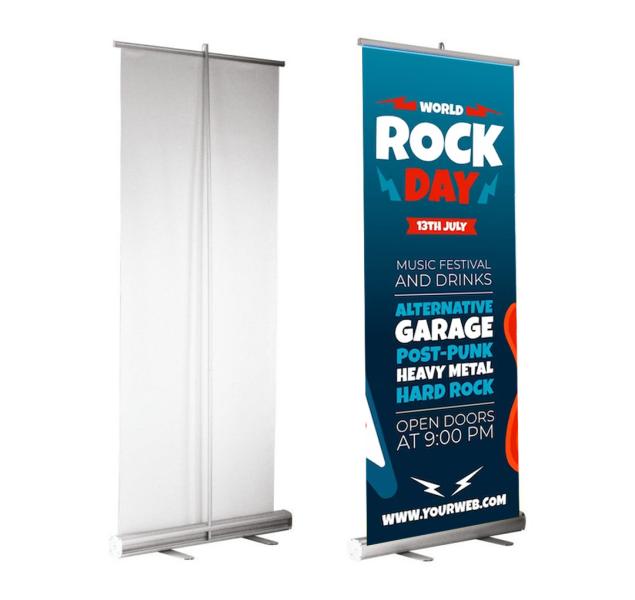
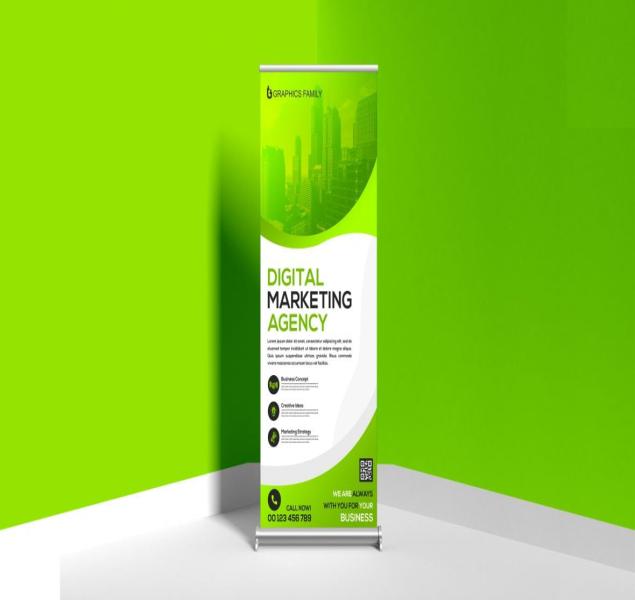
Roll-Up Banner: Design & Creation Instructions Following these guidelines will ensure your banner is professional, visually impactful, and prints with the highest quality. 1. Technical Specifications (Essential for Print) Item Specification File Format PDF/X-1a is preferred. Also acceptable: AI (Adobe Illustrator) or high-resolution PSD (Photoshop). Banner Size Confirm with your printer. Common sizes: 85cm x 200cm or 100cm x 200cm. Always design at 100% scale. Color Mode CMYK - This is critical for accurate color reproduction in printing. Do not use RGB. Resolution Minimum 150 DPI at final size. For best results, use 150-300 DPI. Bleed Area Add a 3-5mm bleed on all sides. Important background elements or colors should extend into this area. Keep all critical text and logos at least 1-2cm inside the safe margin from the edges. 2. Core Design Principles for Effectiveness Hierarchy & "5-Second Rule": You have about 5 seconds to grab attention. Structure your design in three clear tiers: Primary: Main Headline/Offer (Largest, boldest font). Secondary: Key Benefit or Short Description. Tertiary: Contact Details, Website, or Call to Action. Simplicity is Key: Avoid clutter. Use plenty of "white space" (negative space) around elements. This makes the banner easier to read from a distance and appears more professional. High-Contrast & Readability: Ensure text strongly contrasts with its background (e.g., dark text on a light background or vice versa). Avoid placing text over busy image areas. Strong Visuals: Use a single, high-resolution, relevant image as a background or focal point. Avoid low-quality, pixelated, or generic clipart. 3. Content & Layout Guidelines Logo Placement: Position your logo at the top (for immediate brand recognition) or in a prominent, consistent location like the top corner. Headline: Keep it short, powerful, and benefit-oriented. Use 5-8 words maximum. Body Text: Use bullet points for key features or benefits. Keep sentences fragments. Font size should be large enough to read from 2-3 meters away. Call to Action (CTA): Tell the viewer what to do next. Examples: "Visit Us at Stand #B12," "Scan the QR Code," "Learn More at YourWebsite.com" Contact Information: Include your website, phone number, or social media handles. Make them clear and easy to read. QR Code: If used, ensure it is large enough to scan easily (min. 10x10 cm) and test it thoroughly. 4. Visual & Branding Checklist High-Resolution Images: All photos and graphics are 150 DPI or higher at final print size. Brand Consistency: Uses official company logo, fonts, and color palette. Font Legibility: Uses simple, easy-to-read fonts. Avoid overly decorative typefaces for body text. Color Contrast: Text is easily readable against the background. Final Proofread: All text (especially contact info, URLs, and dates) has been spell-checked and proofread by a second person. By adhering to these instructions, you will create a roll-up banner that effectively communicates your message, strengthens your brand, and delivers a strong return on investment.
Related Products