




Picture altering administrations for internet business organizations and stars, from item photographic artists to Amazon dealers to worldwide brands.
Since a fast item shoot can without much of a stretch transform into up to seven days of altering and organizing your pictures. Allow us to take care of the alters, so you can return to the work that needs you.



We are complate our work process by 04 step, first of all you should select your plan, we start our working after get yor approval.

 1
1
 2
2
 3
3
 4
4

We have professional graphics designer for any kind graphics services so you can trust us.

Our designer can deal with even the most intricate patterns no straight polygonal rope lines

We have a committed help group that gives quality client support in english

We have the capacity to process all the images you need for your productions.


Here's what some of our clients have to say about working with us: ... “We were really pleased with the finished job


ClipLab has completely transformed how I edit my photos! The AI-powered tools make retouching effortless, and the background removal feature is the best I’ve ever used. As a photographer, this saves me so much time. Highly recommended!

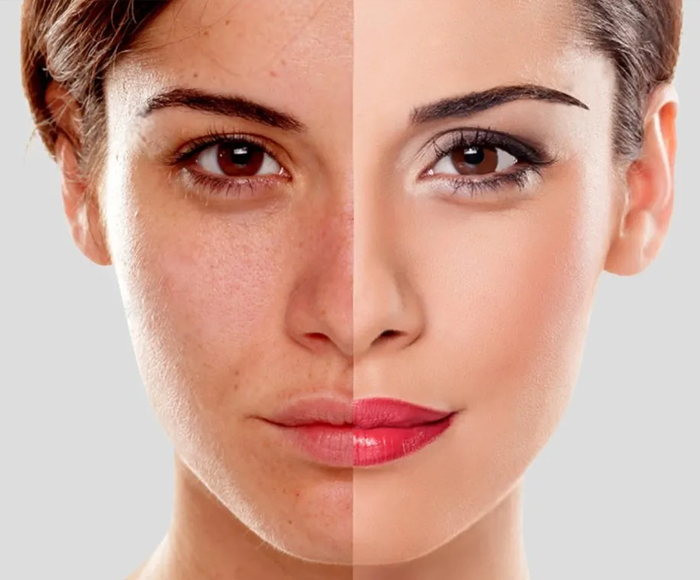
I’m not a pro editor, but ClipLab makes me feel like one! The skin-smoothing and blemish-removal tools work like magic, and I love how easy it is to apply filters and enhancements. The AI does most of the work, and the results are stunning!

I've tried many editing apps, but ClipLab stands out with its powerful yet simple features. The batch editing tool is a lifesaver for my social media posts, and the AI enhancements make every photo look professional. Definitely worth it!

Particularly in businesses where images are used to market items, clipping path is crucial. For better results when displayed on web pages, e-commerce sites need the usage of photos with clear backgrounds.
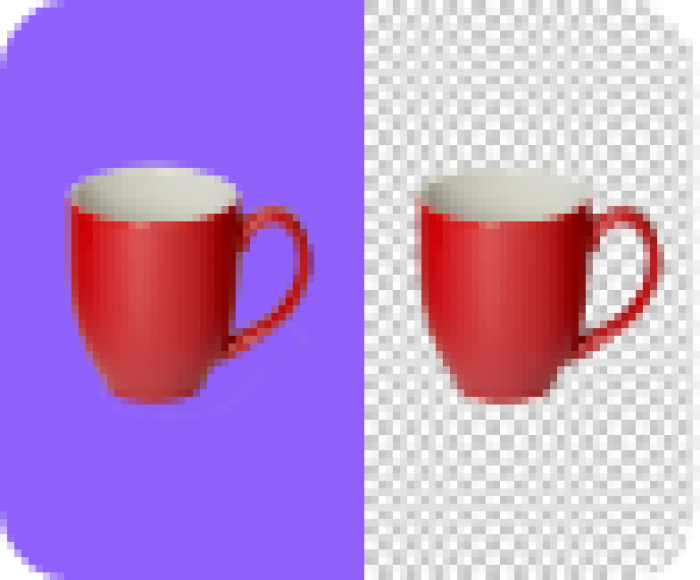
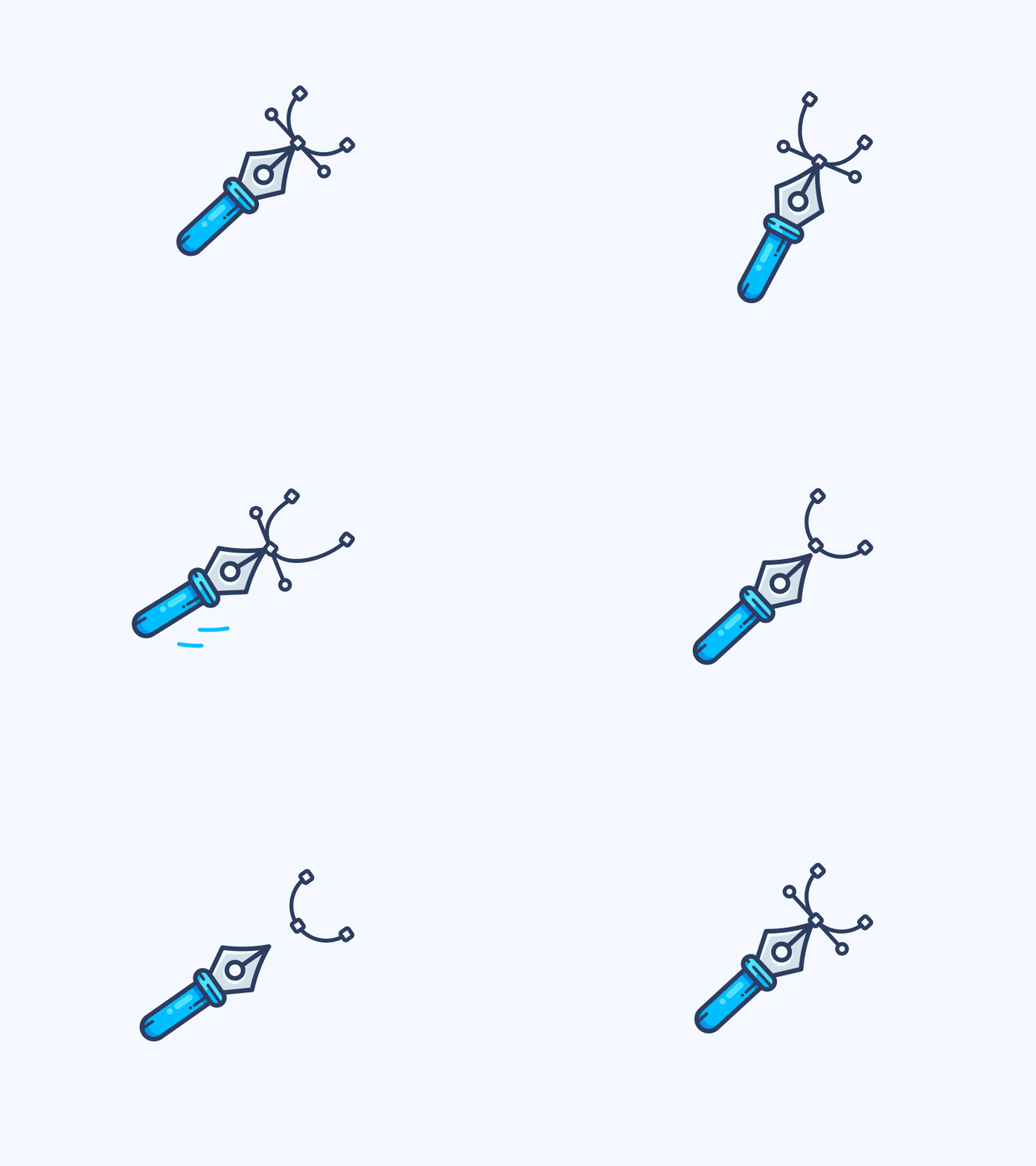
What is a clipping path? Like image masking, clipping path is an image editing technique that allows you to remove the background from an image. You can create a clipping path using the pen tool in Photoshop and then selecting paths that form a closed vector shape to separate a part of the image.
Using the pen tool, you can build trails all around an object to remove it using the clipping path technique. Background removal in Photoshop picture masking is accomplished by using the background eraser, magic eraser and color separation tools.
No! ClipLab is designed to be user-friendly for both beginners and experienced users. Many features are automated with AI-powered enhancements, but for more detailed edits, we also provide manual tools for precision control.
You can use the object removal tool to seamlessly erase unwanted objects. Simply highlight the area you want to remove, and ClipLab will fill it in by intelligently analyzing the surrounding content.

Get our latest news from in here, also get what`s our update about our services


 Hindi
Hindi Bangla
 Spanish