


Photo retouching Photo retouching is the process of improving the appearance is called photo retouching. Photo retouching is the technique of enhancing the quality of digital or scanned images. This can be accomplished by airbrushing defects, removing blemishes, changing colors, fixing lighting or color difficulties, and modifying colors. Professional photographers frequently employ photo retouching services to avoid spending too much time editing raw files.

Online retailers occasionally need to take unique product photos of products that have a similar shape but various colors. Your photo shoot's budget will go up, and it will take more time. The greatest option is brought to you by the image color change service. Send only one product to Clipping Way after capturing it. After adjusting the photographs' color, we'll send them to you.
we are included many features in clipping path service ,which can help for your product image & like you want
Make your photography stand out before posting it online to draw in more viewers.The photography industry is becoming increasingly competitive. Advertising, product photography, and e-commerce all heavily rely on photography.

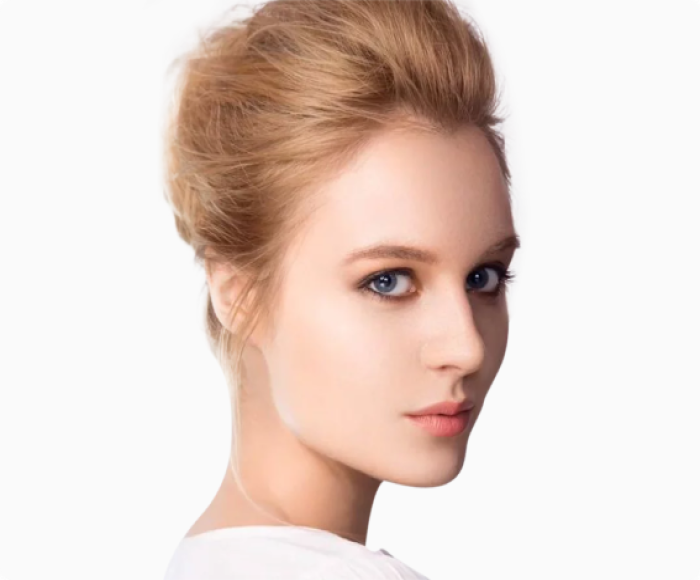
Basic retouching takes up to 10 minutes each image and involves ble mishes being removed, teeth being brightened, skin being smoothed, etc.
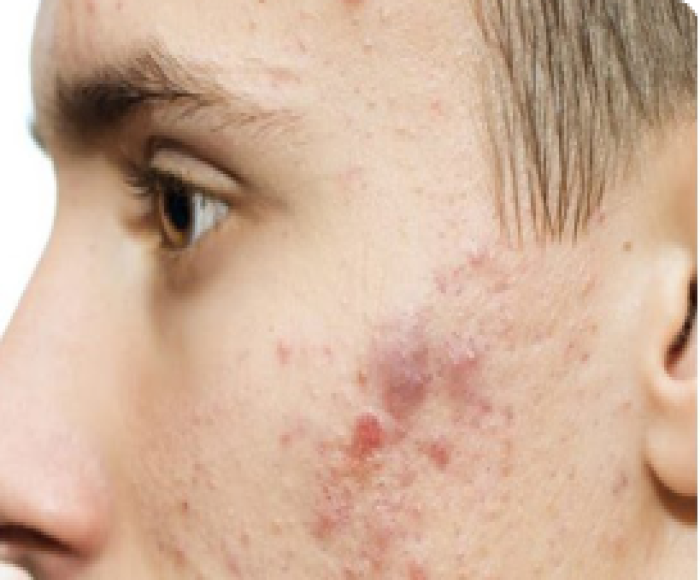
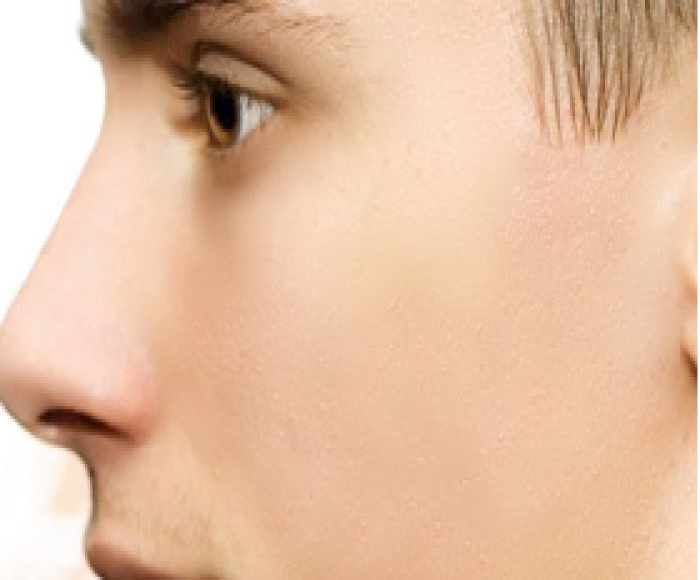
Medium photo retouch means some sort of brown spot,stitch, black spot on face ect ,which we take only 20 mins for retouching photo, so you can take this.


Complex retouching, the mixing of several pictures & even the use of photorealistic illustration were required for challenging retouchings for clientele.

Particularly in businesses where images are used to market items, clipping path is crucial. For better results when displayed on web pages, e-commerce sites need the usage of photos with clear backgrounds.
What is a clipping path? Like image masking, clipping path is an image editing technique that allows you to remove the background from an image. You can create a clipping path using the pen tool in Photoshop and then selecting paths that form a closed vector shape to separate a part of the image.
Using the pen tool, you can build trails all around an object to remove it using the clipping path technique. Background removal in Photoshop picture masking is accomplished by using the background eraser, magic eraser, and color separation tools.


 Hindi
Hindi Bangla
 Spanish